


-
Jul18
-
Jul22
-
Aug8
Web cookies (also called HTTP cookies, browser cookies, or simply cookies) are small pieces of data that websites store on your device (computer, phone, etc.) through your web browser. They are used to remember information about you and your interactions with the site.
Session Management:
Keeping you logged in
Remembering items in a shopping cart
Saving language or theme preferences
Personalization:
Tailoring content or ads based on your previous activity
Tracking & Analytics:
Monitoring browsing behavior for analytics or marketing purposes
Session Cookies:
Temporary; deleted when you close your browser
Used for things like keeping you logged in during a single session
Persistent Cookies:
Stored on your device until they expire or are manually deleted
Used for remembering login credentials, settings, etc.
First-Party Cookies:
Set by the website you're visiting directly
Third-Party Cookies:
Set by other domains (usually advertisers) embedded in the website
Commonly used for tracking across multiple sites
Authentication cookies are a special type of web cookie used to identify and verify a user after they log in to a website or web application.
Once you log in to a site, the server creates an authentication cookie and sends it to your browser. This cookie:
Proves to the website that you're logged in
Prevents you from having to log in again on every page you visit
Can persist across sessions if you select "Remember me"
Typically, it contains:
A unique session ID (not your actual password)
Optional metadata (e.g., expiration time, security flags)
Analytics cookies are cookies used to collect data about how visitors interact with a website. Their primary purpose is to help website owners understand and improve user experience by analyzing things like:
How users navigate the site
Which pages are most/least visited
How long users stay on each page
What device, browser, or location the user is from
Some examples of data analytics cookies may collect:
Page views and time spent on pages
Click paths (how users move from page to page)
Bounce rate (users who leave without interacting)
User demographics (location, language, device)
Referring websites (how users arrived at the site)
Here’s how you can disable cookies in common browsers:
Open Chrome and click the three vertical dots in the top-right corner.
Go to Settings > Privacy and security > Cookies and other site data.
Choose your preferred option:
Block all cookies (not recommended, can break most websites).
Block third-party cookies (can block ads and tracking cookies).
Open Firefox and click the three horizontal lines in the top-right corner.
Go to Settings > Privacy & Security.
Under the Enhanced Tracking Protection section, choose Strict to block most cookies or Custom to manually choose which cookies to block.
Open Safari and click Safari in the top-left corner of the screen.
Go to Preferences > Privacy.
Check Block all cookies to stop all cookies, or select options to block third-party cookies.
Open Edge and click the three horizontal dots in the top-right corner.
Go to Settings > Privacy, search, and services > Cookies and site permissions.
Select your cookie settings from there, including blocking all cookies or blocking third-party cookies.
For Safari on iOS: Go to Settings > Safari > Privacy & Security > Block All Cookies.
For Chrome on Android: Open the app, tap the three dots, go to Settings > Privacy and security > Cookies.
Disabling cookies can make your online experience more difficult. Some websites may not load properly, or you may be logged out frequently. Also, certain features may not work as expected.


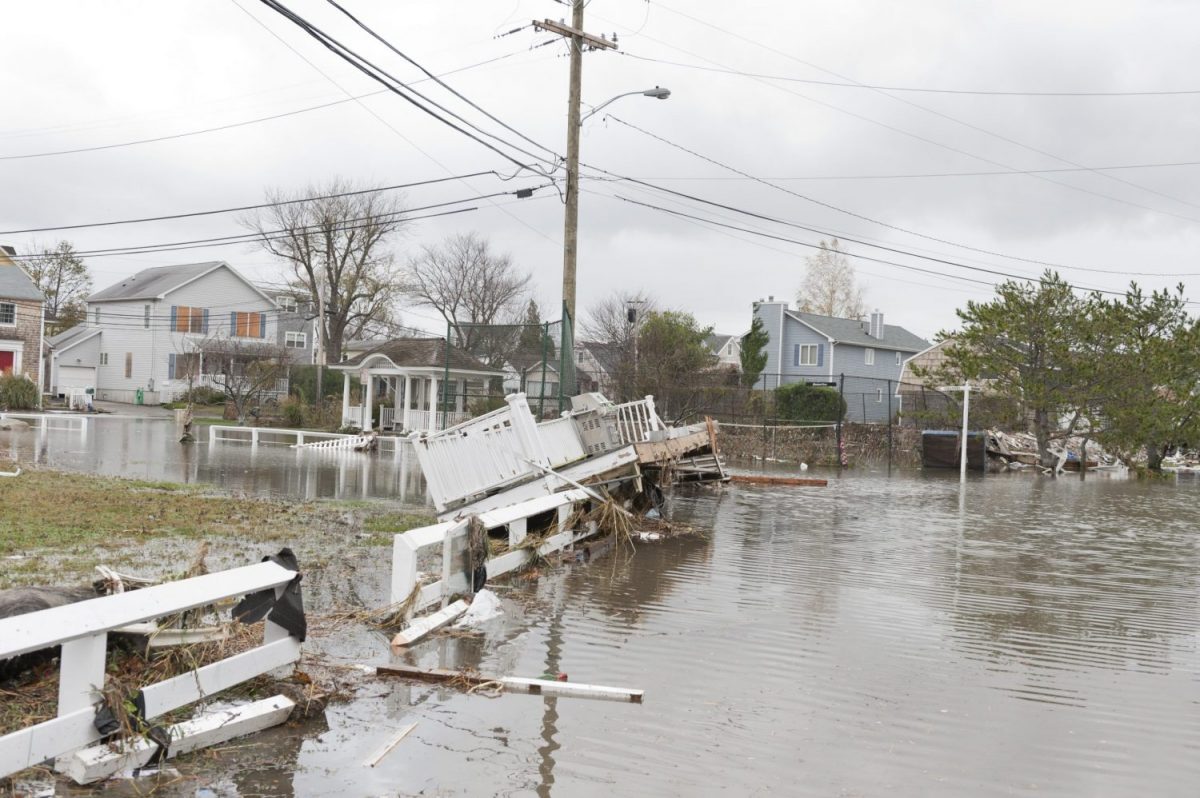
Connecticut Sea Grant-UConn Extension project focuses on helping older adults prepare for emergencies on Connecticut’s coast.
[Read More]
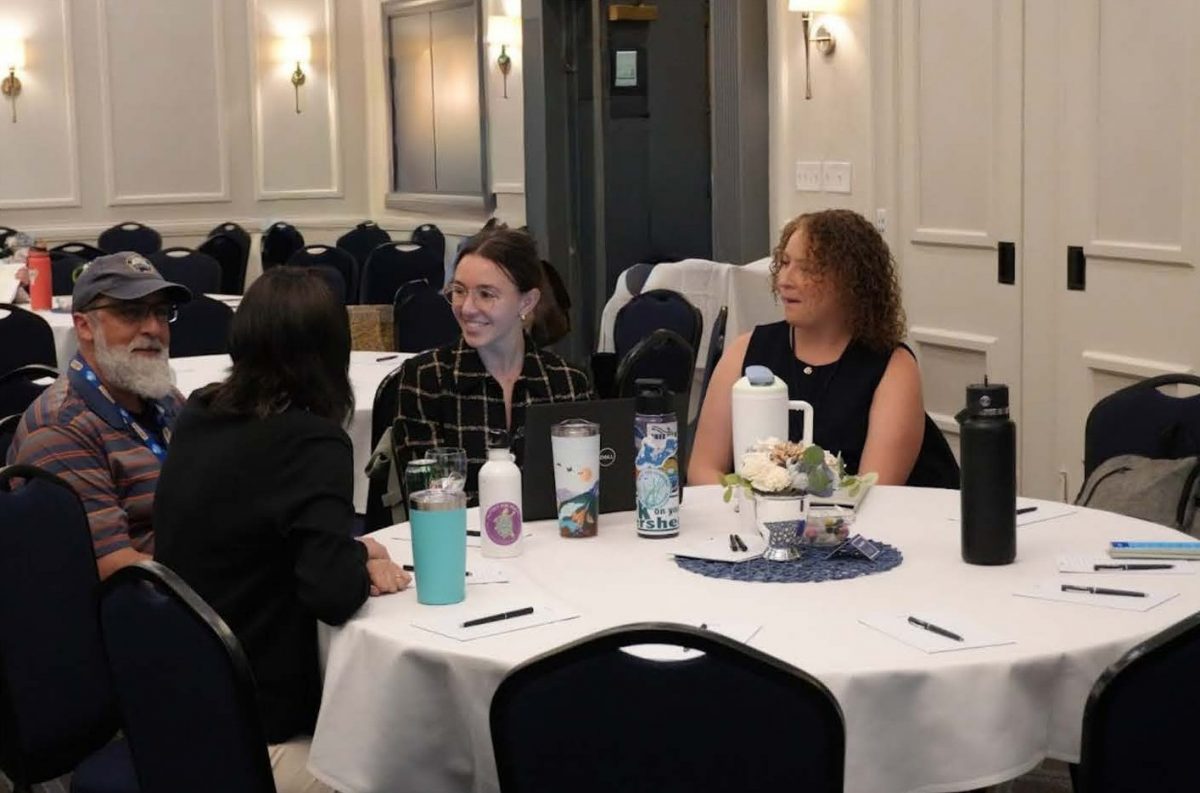
Article published in Inside Investigator describes how enrollment in a new program offered through the UConn tripled this year. “Foundations of Shellfish Farming Training” is a 12-week course.
[Read More]
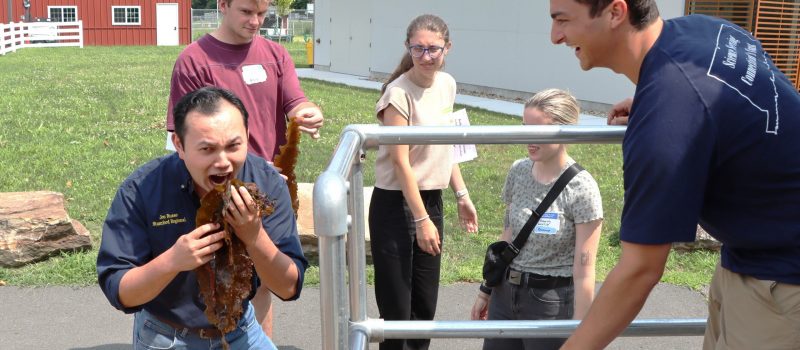
Laboratory analysis of kelp samples from five Long Island Sound farms shows that the native seaweed can be a nutritious, low-risk food to add to a healthy diet. The test results are described in a fact sheet now available from Connecticut Sea Grant and UConn Extension.
[Read More]
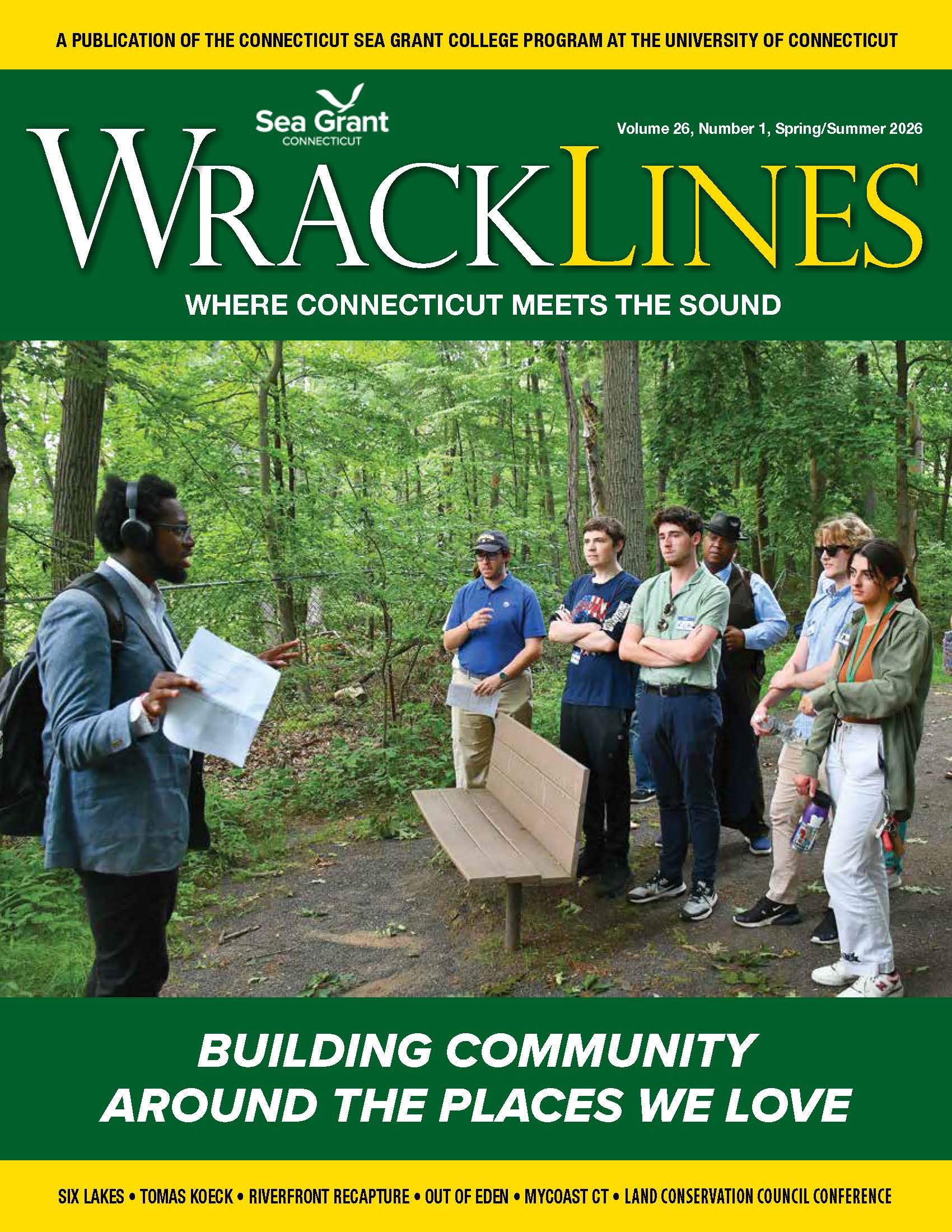
“Building community around the places we love,” is the theme of the new Wrack Lines. Learn about Six Lakes Park coalition, Riverfront Recapture, MyCoast CT, CT land conservation conference, photo-videographer Tomas Koeck and National Geographic explorer walking around the world.
[Read More]
The workshop will be offered as part of the Long Island Sound Mentor Teacher program from 9 a.m. to 3 p.m. on July 22 at Danbury High School.
[Read More]
CTSG is undergoing its Strategic Planning for the grant cycle that starts in 2028, and we would like to hear from you! Please help us identify priorities that are important to you and that Sea Grant should consider addressing by filling in a short survey.
[Read More]
The Yellow Farmhouse Education Center and Stonington Kelp Company will host Kelp Fest, a month-long celebration from April 26 to May 27. Events will include cooking classes, a kelp farm boat tour and more!
[Read More]
Six research projects on coastal and marine questions—focusing on salt marshes, microscopic sea creatures, shellfish and seaweed aquaculture, coastal flooding and public willingness to invest in state park resilience projects—have been selected for funding by CTSG.
[Read More]
Photos can be powerful storytellers, even for the photographers themselves. Just ask Joe Orchardo. Often on daily walks with his wife around their shoreline neighborhood of Groton Long Point, he’ll snap a photo or two on his cell phone and upload them to MyCoast Connecticut.
[Read More]
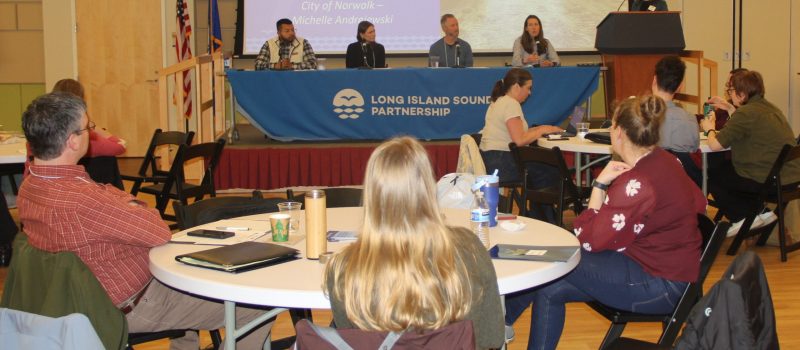
The 62 people gathered at Gateway Community College came from urban, rural and suburban communities of all income levels, yet had some important characteristics in common. “Who cares about resilience?” asked CTSG Director Sylvain De Guise at the 3rd annual SRC Funding Workshop.
[Read More]